Get started for free
Get started for free



AI Screen Recorder
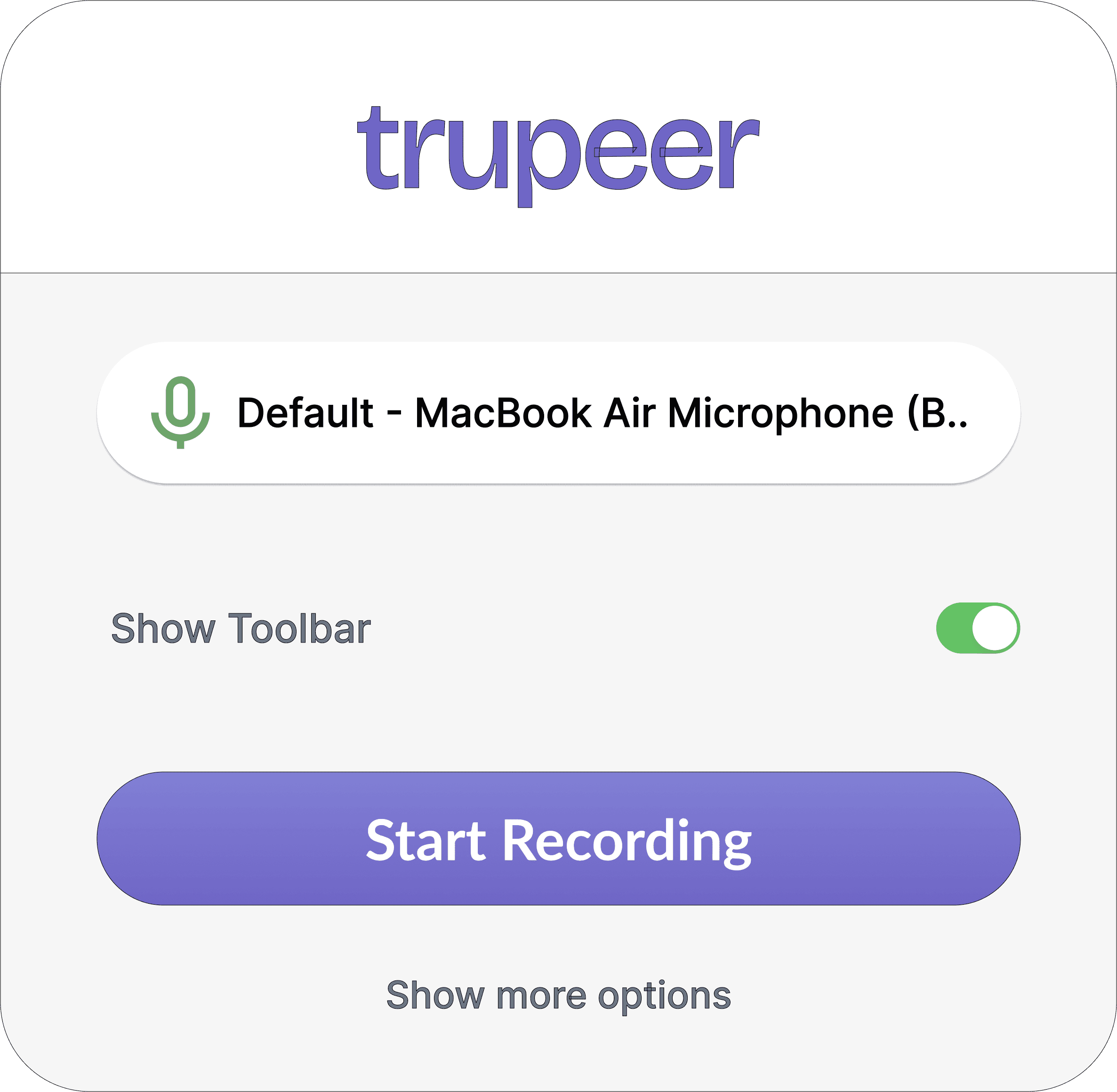
A chrome extension that lets you record anything on your screen, along with your clicks and actions.
Website Title...
Website Title...
Search Google or type URL
AI voiceover
Converts your raw voiceover into a realistic AI voiceover, with 100+ accents & styles.
Automated zooms
Smooth zoom transitions based on your clicks.
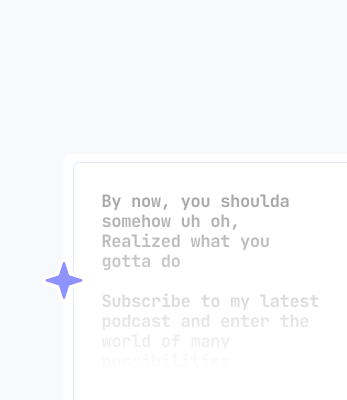
In this video, I am going, um, to show you the best screen recorder
Video editing simplified
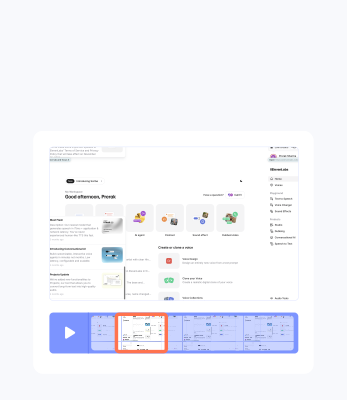
As easy as editing a doc. Make changes in your script and see them reflected live.
AI script generator
Wallpapers and Music
Videos that stand out with HD wallpapers and music.

Customisable brand assets
Make the video your own with custom logos, colours and wallpapers.
AI avatars
Add a realistic AI avatar to your video, from 1000s of options.

AI translation
Translate videos in 65+ languages in a single click.
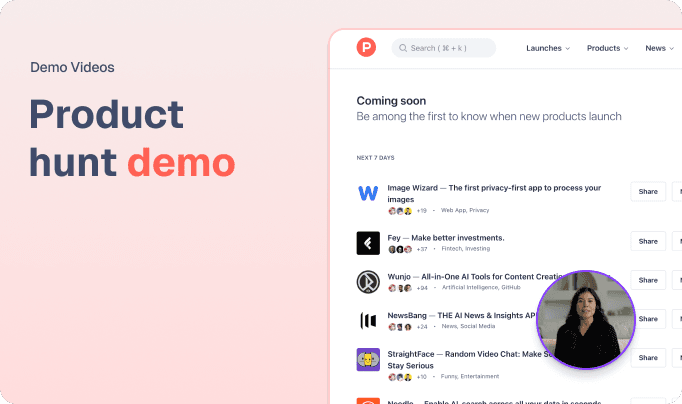
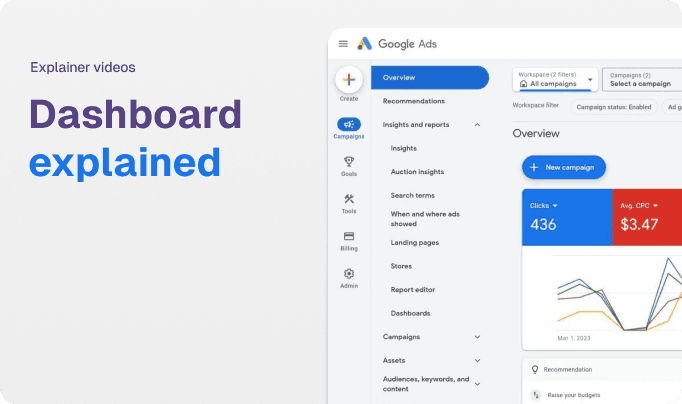
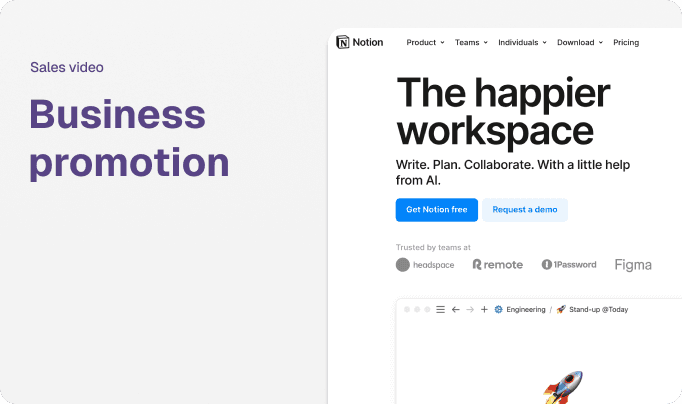
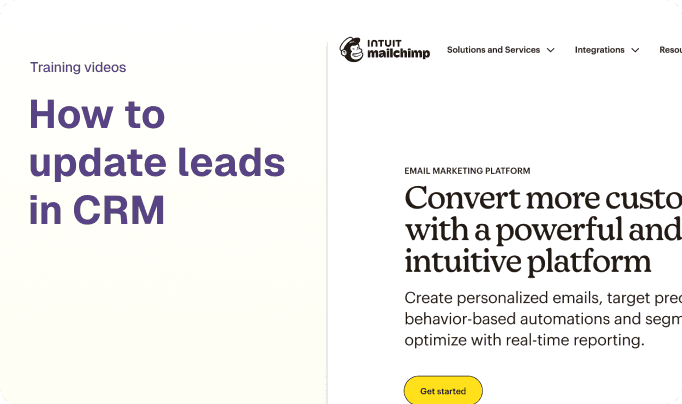
Onboard clients across the world
Trupeer helped us onboard clients in French Canada, Middle East and Europe - handling over 10 languages (and cultures) effortlessly!

Ron Kanter
Head of marketing, Firstdue
Train your teams globally
At Zetwerk, Knowledge transfer across 100s of tools is a hassle. Trupeer helps us fix that at scale - with rich videos and guides, that live forever.

Shubham Sadawat
GM Product strategy, Zetwerk
Ship demos across languages
We produced videos in multiple languages without having to use English as a bridge between translations - a feat we didn’t think was possible before Trupeer.

Nikhil Shinde
Tech Lead, Portone
What is Trupeer?
Trupeer is an AI platform for creating product videos and documentation.
What content can I create?
Demo videos, product walkthroughs, training videos, user guides, and instruction manuals.
How do I create content?
Install the Chrome extension, record your screen while explaining steps, and Trupeer processes it into a professional video and document.
Who is Trupeer for?
Product marketers, product managers, support teams, technical writers, content creators, designers and L&D teams who need to create product content.
How does Trupeer create videos?
It converts your screen recording into a transcript and visuals, then generates an AI script and voiceover to match, producing a professional video in minutes.
How does Trupeer create documents?
It transforms your screen recording into a structured guide with appropriate headlines, descriptions, steps, and screenshots using AI.
Is Trupeer content shareable?
Yes, via links or embedding. Documents can be exported as PDF, Word, or Markdown; videos as MP4.
Can I edit the content?
Yes, you can modify video scripts and documents, and personalize with custom voiceovers, backgrounds, and music.
Do I need editing or writing experience?
No, Trupeer is user-friendly. Just create a rough screen recording, and the AI and automation engine handles the rest.